Image Credit: Dizispark
Build Your Online Presence and Reach More Customers with Google
In this digital-dominated society, any business cannot survive without a robust online presence. Being listed on Google Search and Google Maps can make your business more visible, no matter if you’re a local business, restaurant, consultancy, startup, or a company that provides services. In 2026, Google Business Profile—previously known as Google My Business—continues to be one of the best free tools for businesses.
By having a verified Google Business Profile, customers can get the right information about your business, such as your address, hours, contact details, website, reviews and photos. Here is a step-by-step process to get your business up and running and to make sure it is a success.
What Is Google Business Profile?
Google Business Profile serves as a free service by Google that lets businesses control their presence on Google Search and Google Maps. Once authenticated, the companies can communicate with the customers, react to their evaluations, post updates, exhibit products or services, and get valuable insights from their customers.
Step 1: Create or Sign In to Your Google Account
You will need a Google account to get started. It is advisable to use the business email address for better management and credibility. Once signed in, you will land on Google’s Business Profile and start setting up your profile.
Step 2: Add Your Business Information
Fill in the name of your business and choose the most appropriate business category. Next, give some vital information like:
- Business address
- Contact number
- Website URL
- Service areas (if applicable)
- Business hours
Make sure you have all the information correct and consistent on all your online platforms, in case there are any verification problems later.
Step 3: Claim or Create Your Business Listing
If your business is already listed on Google, you can claim the listing for your business. Otherwise, fill out a new profile and fill in all the necessary details before moving on to the verification process.
Step 4: Verify Your Business
Getting verified will ensure that your company is real and that you can run your profile completely. Google has a number of verification methods for different business types and locations in 2026. These may include:
Video Verification
This is one of the most frequently used approaches nowadays. Business owners may need to make a video including:
- Business signage
- Physical location
Items such as machinery, materials, materials and tools, or workplaces.Proximity to the property or evidence of ownership/management of the property.
Google reviews the video before approving the profile.
Phone or SMS Verification
A verification code will be sent to eligible businesses via phone call or text to the business, and can be entered directly into the business profile dashboard.
Email Verification
Some businesses have a code available to confirm identity by sending it to the registered business email address.
Postcard Verification
In some cases, a postcard with a verification code might be sent to the registered business address—although that’s not common in today’s world, Google may still do that.
Step 5: Wait for Google’s Review
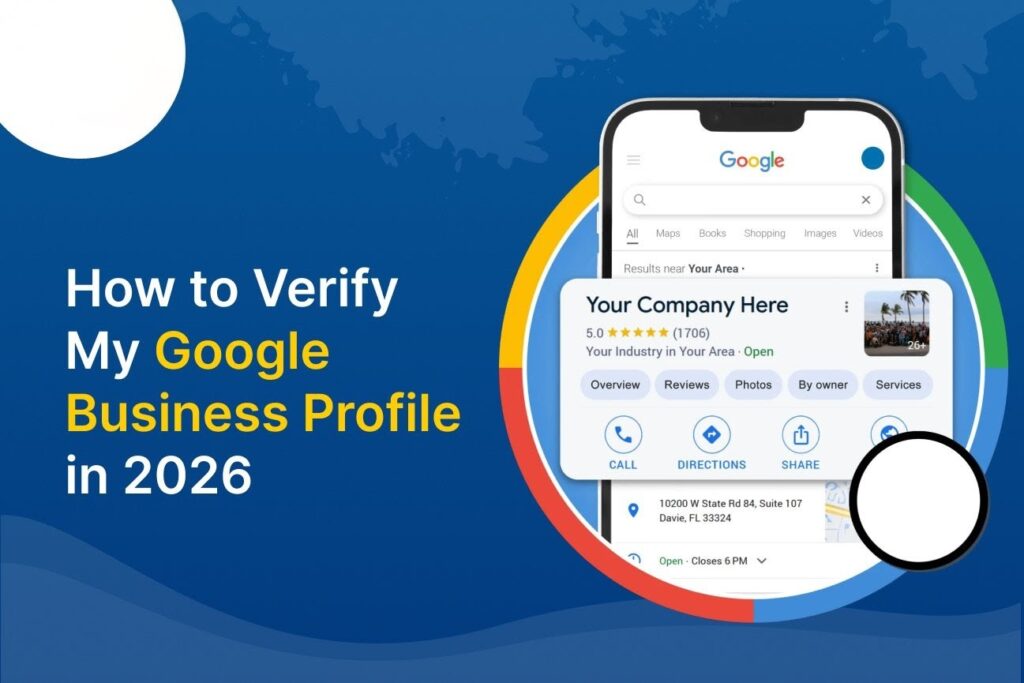
Once you enter the verification information, Google checks the profile. The verification process may take as long as 5 business days, but some businesses might be approved sooner.
Once you’ve verified your profile, you need to optimise it. After you’ve verified your profile, you should optimise it.
After verifying, make your profile as effective as possible by:
- Uploading high-quality photos
- Providing a detailed description of the business
- Making the necessary changes to products/services regularly
- Customer reviews;
- Dealing with customer feedback;
- Posting offers, events, and announcements
- Keeping business hours updated
These activities help to build customer confidence and promote local search optimisation.
Common Verification Mistakes to Avoid
There are many reasons for delays in many businesses:
- Incorrect addresses
- Inconsistent business information
- Low-quality verification videos
- Storing the information only
- temporarily on the web and deleting it once verified
- Lack of evidence to demonstrate that the business is owned by the student.
Giving the right information from the outset can help to smooth the application process. From community experiences, it has been found that operational control signage, operational business assets and operational proof of signage are key to the success with video verification.
Final Thoughts
In today’s world, in the year 2026, having a verified Google Business Profile is truly one of the best digital assets a company can own. It will make your business more visible, gain customer trust, boost the local SEO ranking and make it easier for potential customers to reach you. By following the proper setup and verification process, businesses of all sizes can establish a strong presence on Google and gain a competitive advantage in today’s digital marketplace.
About the Author