
Fashion is one of the most visualised industries as it is based on personality and personal interaction. The brand, stylists, and influencers are trying to offer trendset guidance through a visual video on Instagram, TikTok, and YouTube. Be it outfit breakdowns, season hauls, or anything in between, content creators have to balance the challenge to make their videos look and feel genuine and compelling, which can be accomplished through either a charismatic host or a pricey collaboration, which might not always be possible.
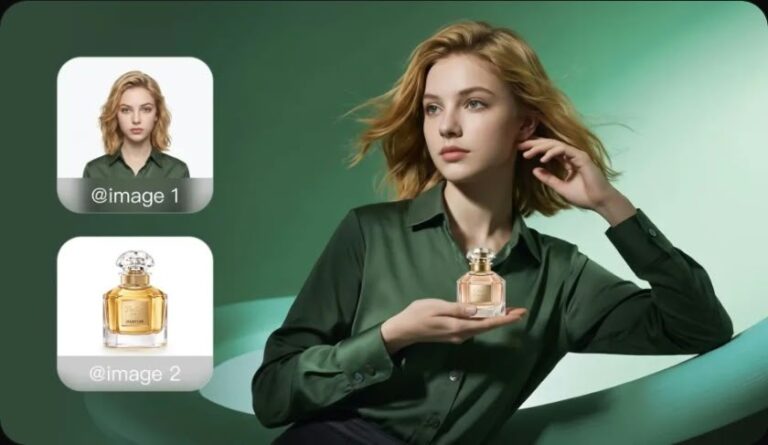
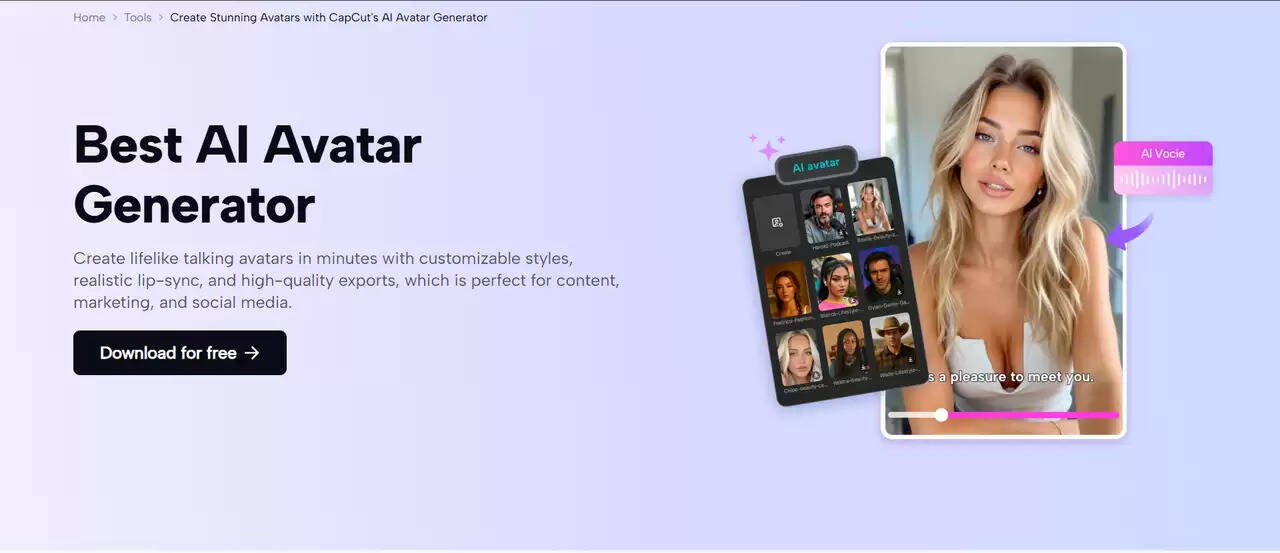
CapCut Desktop intervenes as a free video editor, which is easy to use and employs AI to transform style advice content. Its standout AI avatar feature allows you to create animated personalities to narrate expertise, model appearance, or communicate with viewers, based on a collection of more than 1,000 characters and 150+ voiceovers in various languages. This enables a wide range of representations, including high-end fashion people and low-end fashion rebellions, all matched perfectly with your videos. It allows creators to make polished, personality-driven videos using effects, stickers, and transitions that can be enhanced by the power of CapCut even without a full production crew. This article will discuss how you can use AI avatars to build a strong style advice business and create a following in the ever-changing fashion niche.
Why Personalised Narration Works
Benefits of Narration in Fashion Videos
Fashion tips are relatable when they seem unique and personalised, which can increase viewer engagement by adding comments such as “Love this look! Or shares. Experiential avatar narration can also help improve the watch time by focusing on details like cloth feel or styling hints, which cannot be demonstrated with a text overlay of the video.
Efficiency of AI Avatars
Models or voiceovers are costly in terms of time and money. AI avatars of CapCut provide a quicker answer: write a script, design the avatar, and have the avatar give dynamic narration in real time. Such speed will be able to accommodate frequent uploading, regularity with fast fashion, and branding.
The Role of AI in Fashion
AI’s Impact on Style Creation
A trend predictor, virtual try-on, and personalized suggestions in applications such as Stitch Fix are just some of the ways AI is transforming the fashion industry. With video content, it democratises premium content-generation, allowing indie-producers to match the big brands through an on-the-fly creation of custom-made parts.
CapCut’s AI Capabilities
Emotions are expressed through gestures and tonal expressions of the avatars of the CapCut Desktop AI suite, making the style tips more interactive. This makes educational material fun, which is perfect in tutorials or lookbooks that engage consumers.
Practical Uses of AI Avatars in Style Advice
AI avatars add visuals to fashion content by representing multiple styles.
Key applications include:
-
Dress-down: Avatars showing wearing styles or combinations of accessories.
-
Trend predictors: Telling the story of future seasons, visually.
-
One-on-one styling: Customised suggestions based on either occasion or body type.
-
Brand partners: Simulated recommendations on affiliate ads.
-
Q&A-session: The direct answers to the viewers’ interacting questions.
This takes content past unresponsive images to living stories that are in line with your aesthetic as a means to increase viewer loyalty.
Preparing to Build AI-Enhanced Style Videos
Plan your content in advance:
-
Determine the style theme (e.g. street or formal wear).
-
Script recommendation made with flair (e.g. this bold print adds edge to your everyday outfit).
-
Select avatar images to conform to trends (i.e. high fashion glamour, casual).
-
Collect clips such as wardrobe or runway inspirations.
Easy Steps to Create Style Advice Content on CapCut Desktop
Follow these steps to create style advice content in CapCut Desktop and simulate screenshot notes that will assist you in following these steps.
Step 1: Start CapCut Desktop and Create a New Project
Get and download CapCut Desktop from the website. To open a new workspace where you may save your style advice video, open the program and “Create project” to open the workspace. The easy to use interface works best when the editor is not experienced in editing.
Step 2: Choose AI Avatar Function
In CapCut, you can add AI avatars first, under the “AI Avatar” tab, pick an avatar of your choice in the “Avatar Library. The avatars provided are also categorised in various groups that include green screen, walking, learning, female, male, and AI-generation.
Step 3: Add Speech to your Avatar
You have chosen an avatar. You can now add speech to the avatar by clicking the “Add Speech” button, which allows you to write a script yourself or load a pre-written script. Then you are asked to choose the voice of the avatar. And even though there are language systems to be employed, as Adam speaks English, or Jessie speaks expressively.
Also, you have the option of making the avatar look like you want and changing a few settings like voice pitch, voice speed, and expression. Eye contact and other animation special effects can also be added to make the avatar more lively. The speech will be on time with the actions of the avatar in reality.
Once everything is planned, watch the video and make sure nothing goes amiss. Once you are satisfied with the changes, you can press the “Generate” button and get the final avatar video. Through this process, you can create a lot of content, such as style tips and animated characters with trendy commentary.
Step 4: Export Your Style Video
On the right-hand side and on the top, there is an option to “Export” the video, choose one of the resolutions (1080p to put it on Instagram, 4K to put it on YouTube), rename the file and choose a location to save it. CapCut optimises production to create sharp images for fashion sites.
Adding Visuals with AI Image Generator
To improve your AI-generated style recommendations, you can also use the AI image generator of CapCut to generate customized images, such as mood boards, pattern designs, or accessory close-ups. Visit AI Media > AI Image and you can type in words, such as vintage floral print or minimalist jewellery illustration. Then you can pick styles (e.g., artistic or photoreal) and add them to your edit. This is a nice touch, and it helps in your narration without going on picture hunts.
Conclusion
The AI avatar experience of CapCut Desktop allows fashion creators to provide style guidance that is lively, customized, and production-ready, engaging fans and building their influence. By pouring videos with animated directions full of confidence, it can avoid the old barriers, and the addition of filters and music perfects the atmosphere. Start with CapCut to help you create with your artistic vision, from life-changing trends to shareable experiences.
About the Author